
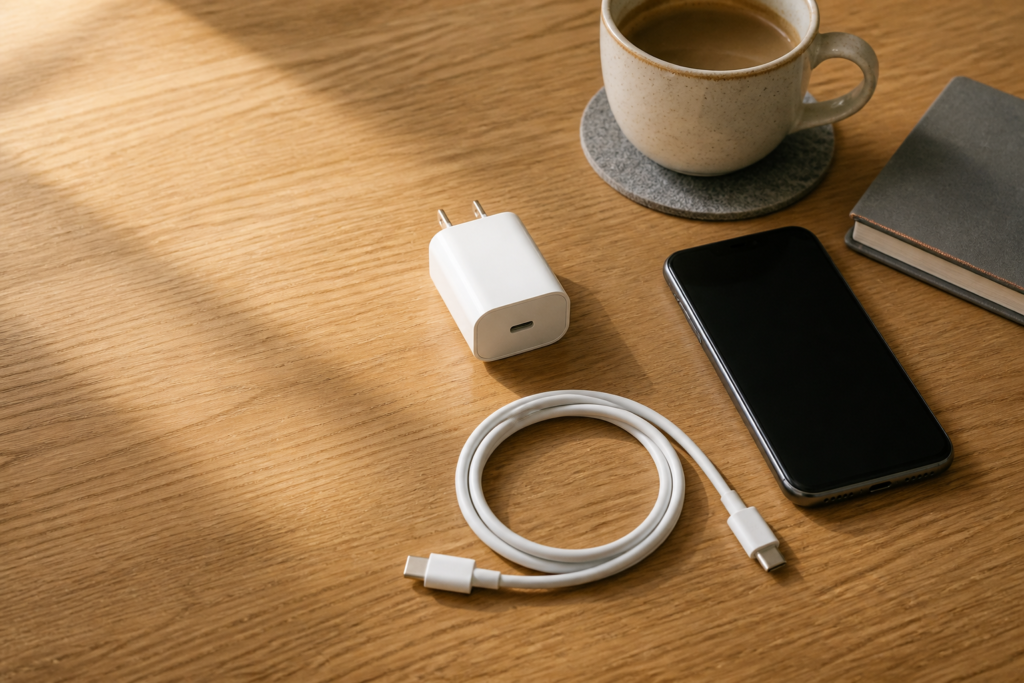
USB-C has made charging accessories more flexible, but a USB-C connector alone does not tell a buyer everything they need to know. Retailers and repair shops should compare the complete accessory set: connector condition, cable construction, adapter format, packaging, and the supplier’s inspection process.
Confirm the use case first
Separate everyday charging, data transfer, travel use, and bundled retail kits. A cable used for a simple charging bundle may be evaluated differently from one supplied for a repair counter or business travel kit. Define the intended use before comparing products so the quotation is based on the same requirements.
Inspect both ends and the strain relief
Look closely at the USB-C plug, housing, cable exit, and strain-relief area. The connector should sit squarely in the housing, with no visible looseness or sharp edge. For a wholesale sample, repeatedly connect and disconnect the cable while checking for abnormal movement. This is a practical receiving check, not a substitute for the supplier’s formal testing.
Ask for clear adapter information
For wall adapters, request the supported input and output information in writing and confirm the plug format needed for the destination market. Do not publish performance claims that have not been verified. Product pages should use the supplier’s documented specifications and avoid turning a generic connector description into a guarantee.
Make packaging part of the comparison
Small accessories are easy to damage when packed loosely. Compare how the adapter and cable are separated, whether the cable is protected from sharp bends, and whether cartons remain organized during transport. Better packaging can reduce receiving-time sorting and customer complaints.
The most useful USB-C buying decision is a documented one. Define the use case, inspect the physical details, confirm the written specifications, and choose a supplier whose process can be repeated across future orders.