
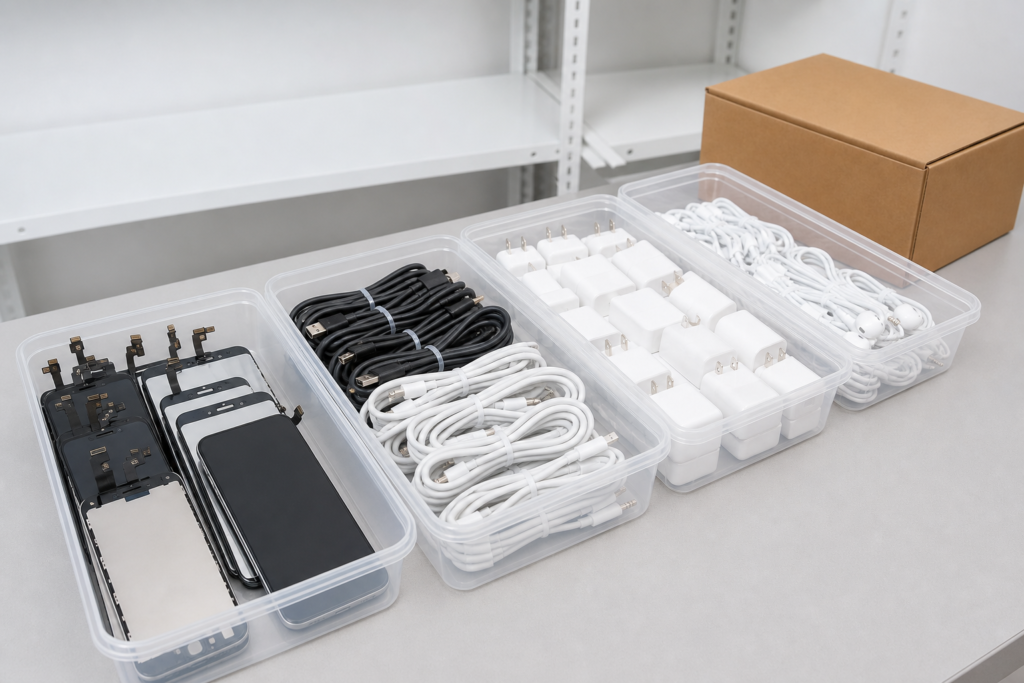
A mobile accessory inventory becomes difficult to manage when visually similar items are stored together without a consistent reference system. Whether the stock includes screens, cables, adapters, earbuds, or housings, organization should help a team identify the right item quickly and reorder it accurately.
Separate by product family
Start with broad groups such as displays, structural repair parts, charging accessories, and audio accessories. Within each group, use model or product reference as the primary key. Keep fragile display assemblies away from heavy cartons and loose hardware.
Use one reference format
Choose a consistent internal reference that can appear on the purchase order, receiving log, storage location, and customer quotation. Avoid relying on a long descriptive title alone. A short reference plus a complete description makes picking and customer service faster.
Design storage around the product
Protect screens from bending and edge pressure. Keep cables coiled without sharp kinks. Store earbuds and cases in a way that prevents scratching and keeps sets together. Place housings in separators so openings and finishes do not rub against one another.
Record incoming stock
At receiving, record carton count, item reference, quantity, visible condition, and the result of any sample check. Photograph exceptions and move questionable stock to a clearly separated review area instead of mixing it into sellable inventory.
Make replenishment visible
A simple reorder view can show current quantity, reserved quantity, recent issue rate, and supplier reference. It does not need to be complex. The important point is that the same information is used by purchasing, warehouse, and sales.
Good inventory organization is a customer-service tool. When every item has a clear home and a clear reference, teams spend less time searching and make fewer model-matching mistakes.